Ten years ago, you’d be spending a few hundred dollars if you wanted a mechanical keyboard that felt and sounded just right, looked great, and didn’t feel like a cheap toy. It was kind of a niche hobby, full of pitfalls and wallet-draining. But things have changed a lot. Budget keebs these days? Shockingly good. You can now buy a keyboard for under $100 that feels twice the price, sometimes even sounding like a keyboard geek has modded it.
Today, we’re looking into the Aula F75 Max, made by Aula in collaboration with Epomaker. On paper, it’s just another 75% layout board with some hot-swappable switches and a knob. But once you get your hands on it… Yeah, what you’re getting for the price is crazy. To say the least, it punches way above its weight.
Disclaimer: AulaGear sent this product to me, but they did not influence the review. #aulagear #mechanicalkeyboard
In the Box
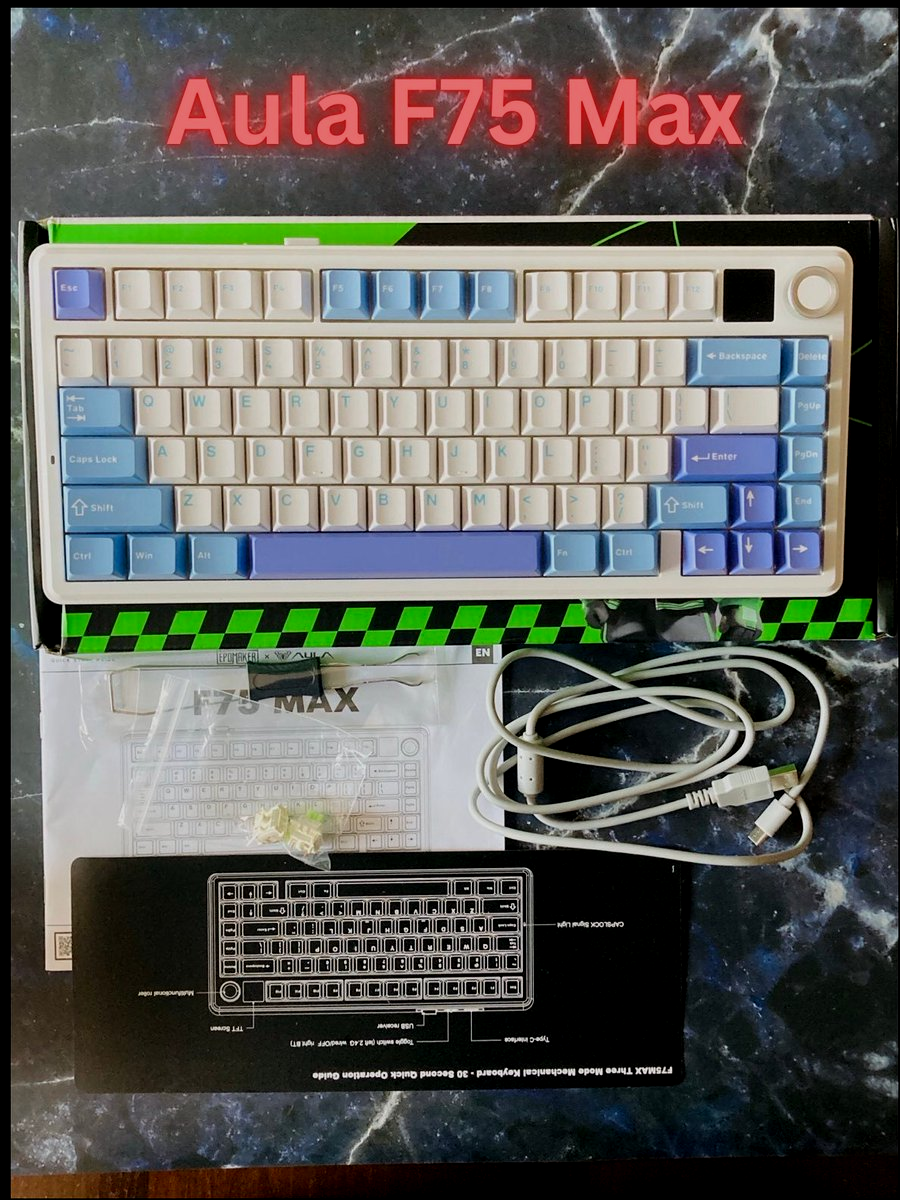
- Aula F75 Max Mechanical Keyboard (in a plastic sleeve)
- Dust Cover
- Quick-Start Guide
- Manual
- USB-A to C cable
- Keycap/Switch Puller
- 2 spare LeoBog Reaper Switches
Bottom line? Standard package, nice to have spare switches.
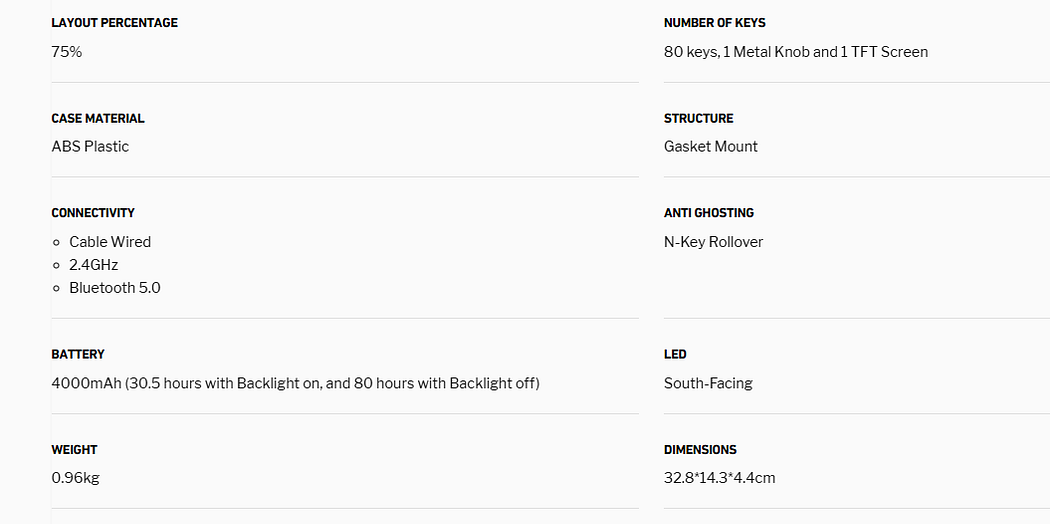
Specs
Unboxing, Typing Experience, Sound Test
Design, Layout, Build Quality
Aula F75 Max is a gasket-mounted, hot-swappable, tri-mode mechanical keyboard with a TFT Screen (hence Max in the name) and a flex-cut PC plate. The 80 keys are placed in a compact build that has 5 layers of sound-dampening materials. The whole material wrapping up the keyboard is high-quality ABS plastic, with adjustable feet, rubber feet, and a steel plate nicely placed at the back. With the 2cm-low front height and a 2-stage adjustable kickstand, the typing angle can be as high or low as your comfort calls for.
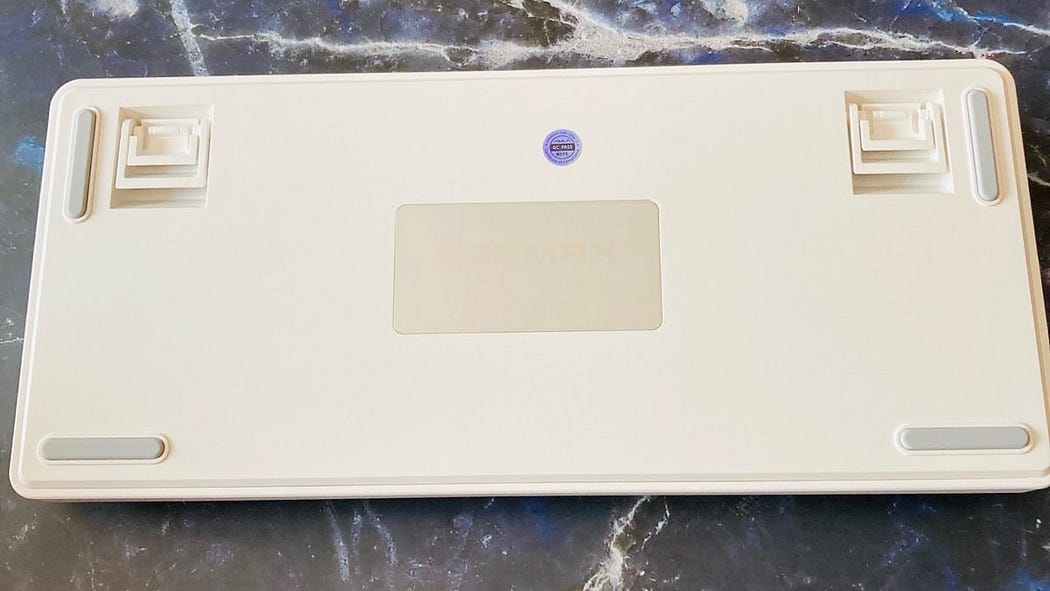
There are also two mechanical switches at the back, for tri-mode connectivity and Mac/Win mode. The RGB features 16 mln colors and is faced south and there is a volume knob as well (slightly wobbles, but it’s minimal).
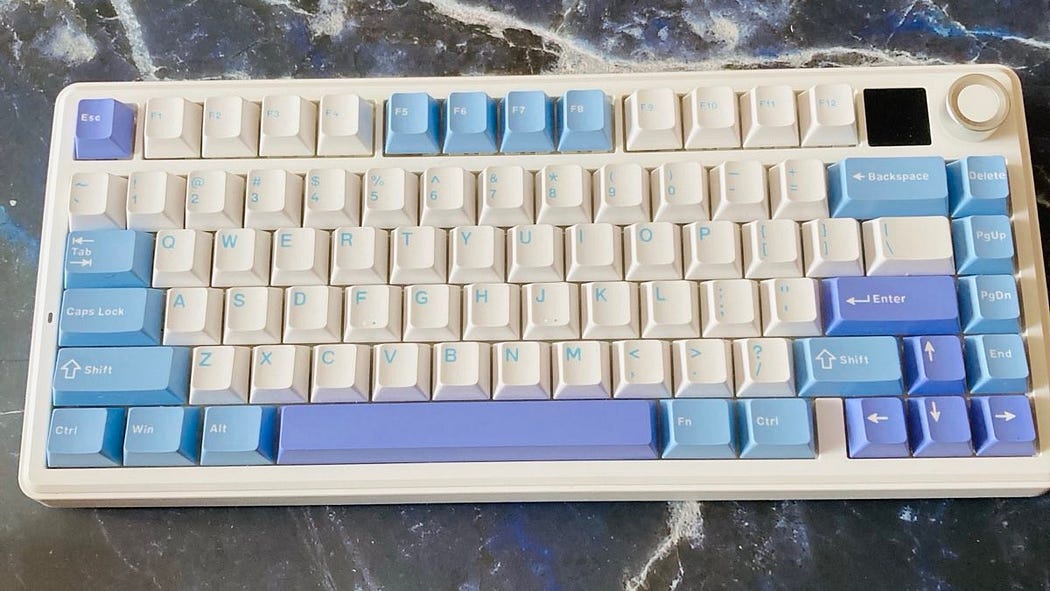
The whole build seems incredibly solid and there’s absolutely nothing to complain about. The colors and the keycaps make a very nice and cozy-looking combination, the keyboard has also some weight to it, even though it’s not aluminum. And did I mention the TFT screen where you can customize your keyboard settings and upload a nice gif? It’s there and it’s fun.
Mind you — the knob can function in two ways: either navigate through TFT screen options or just a simple volume/mute indicator. To turn it on, just press the FN+knob (or hold for a few seconds for the first time to enable it).
Bottom line? Impressive build and all the features you can imagine in the modern mechanical keyboard of today.
Keycaps and Switches
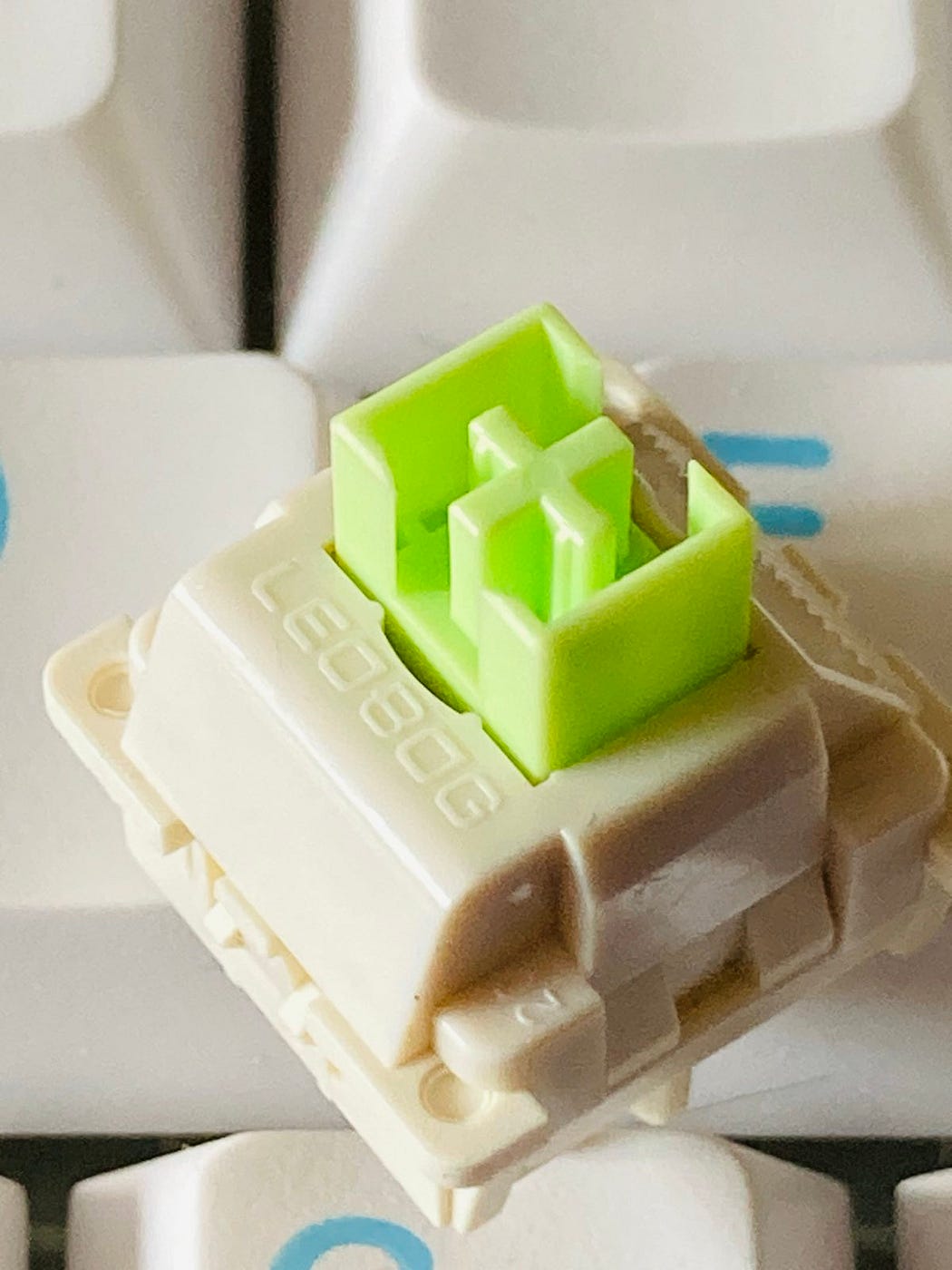
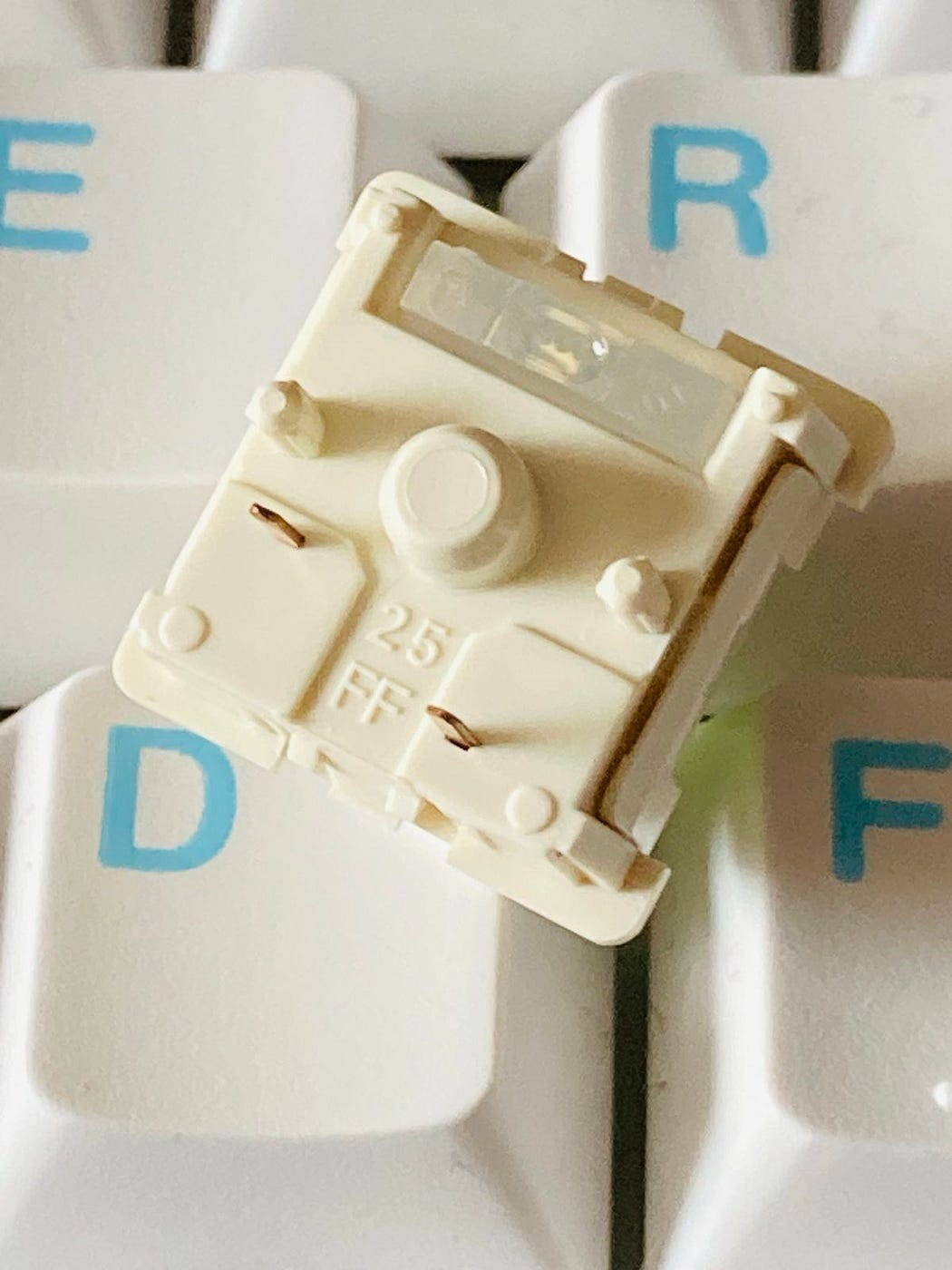
The LeoBog Reaper switch is a 5-pin linear mechanical switch with a pre-travel of 1.8 mm and an initial force of 45 g/f. It feels both creamy and a bit thocky and is factory lubed and tuned. The feel and sound are rich and pleasant, especially when you put on the keycaps. They are closed-bottom and box-mounted switches.
LEOBOG Reaper Mechanical Switch
Switch Type: Regular Linear Switch with 5 pins
Trigger Force: 45±3 gf
Bottom-out Force: 55±3 gf
Pre-Travel: 1.8±0.3mm
Total Travel: 3.6±0.3mm
Stem Material: POM
Top Material: PC
Base Material: Nylon
Light Diffuser: Yes, the Reaper Switch has Light Diffuser
Factory Lubed: Yes, the Reaper Switch is pre-lubed in factory
Life Spans: 5,000,000

The keycaps in this color version nicely fit into the overall color theme of the keyboard. They are Cherry profile ABS keycaps with 1.5mm thickness with well-printed legends. They are covered with some texture to increase the grip but I am certain that they will develop a shine over time, however, they are white/baby blue so you won’t be bothered by it too much.
Bottom line? Very good, creamy-sounding switches, and very decent keycaps.
Software and Battery Life
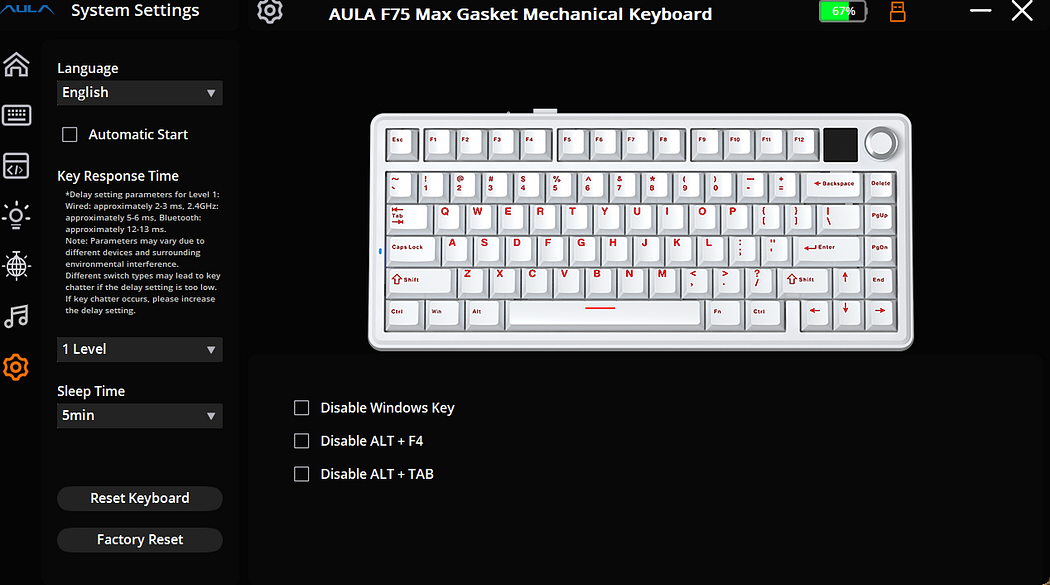
The software for the Aula F75 Max is a dedicated driver you can download directly from Aula’s website. If you’re used to it, it’ll feel instantly familiar — it’s fast, lightweight, and offers a solid range of customization options. It’s not VIA or QMK, but it still lets you tweak pretty much everything: macros, RGB effects, key remapping, layer functions, profile storage (with plenty of slots), key response timing, and even custom images and GIFs for the screen (only in wired mode though). The interface is user-friendly and doesn’t require constant tweaking — once you set it up, you’re good to go. Overall, it’s one of the better software setups for a prebuilt keyboard. However, it’s not Epomaker’s software — they have their solution for that.
When it comes to battery life, the Aula F75 Max uses a 4000 mAh battery unit. It works around 30hrs with full RGB on, something I can accept.
Bottom line? Simple OEM software gets the job done.
Latency and Gaming Performance
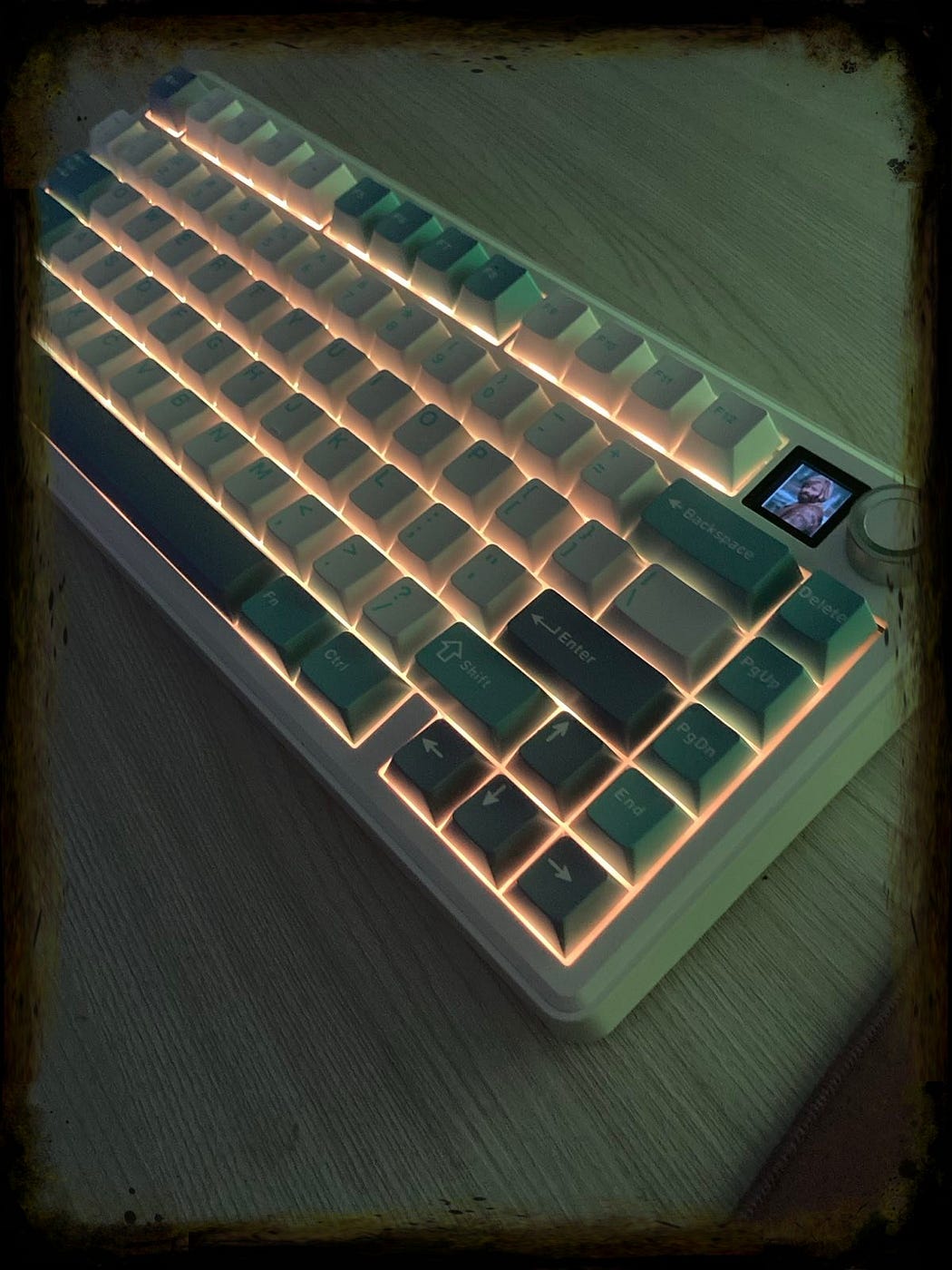
The latency for a keyboard that is not centered around gaming is on a very good level — around 4ms per single key in wired mode, around 8ms in wireless is satisfactory. Moreover, Aula F75 Max is an anti-ghosting keyboard that performs stably without double chattering in Bluetooth, 2.4 GHz wireless, and wired mode, with a 1000hz polling rate in USB and 2.4G modes (125hz in Bluetooth). It supports NKRO and allows gamers to input multiple keys simultaneously, handy in FPS and Rhythm Games.
Bottom line? A good all-around keyboard that performs pretty well in games, both wired and wireless.
Final Thoughts
Aula F75 Max from Epomaker is the keyboard you don’t want to miss in the budget segment. Well, for one, it’s coming in at a hot price of $70–80 depending on when you buy it and because it nails the sound and feel without spending hundreds of dollars it punches way above its price when you check how much you would have to spend to mod a typical keyboard to feel and sound like this one. It also popularized the word creamy in regards to a keyboard and while that word is overused can’t deny it does sound creamy. Its build quality is also outstanding actually.
I like the Leobog Reaper switches because they’re the perfect blend of a sweet creamy sound mixed with a bit of finesse as well. If you have no idea what I’m saying or think I’m some kind of weirdo you’ll understand what I mean when you hear the sound test.
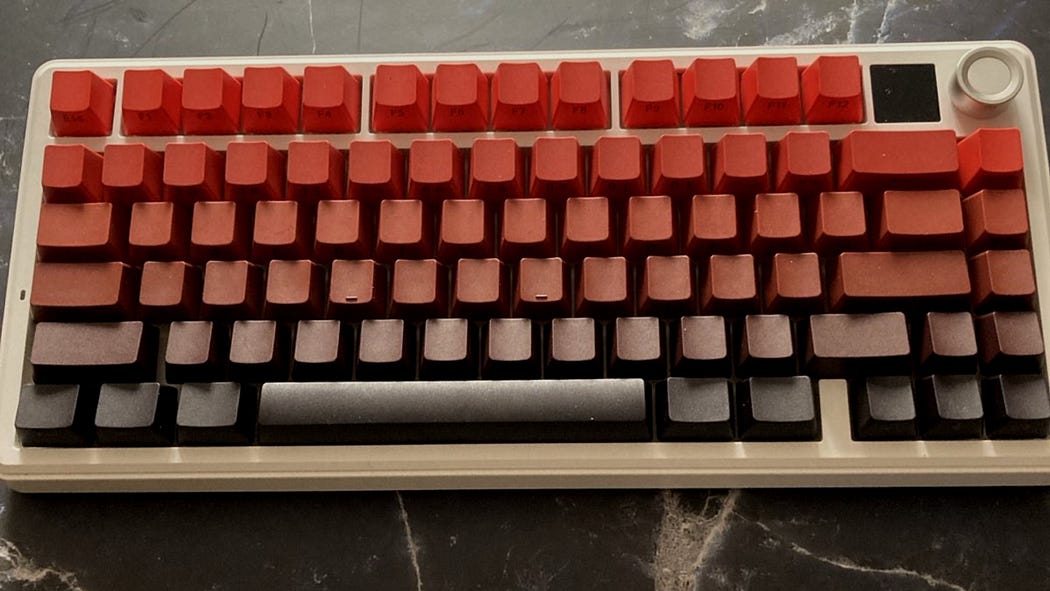
This keyboard comes in two different color options depending on what vibe you’re going for and it has a knob on the top right along with some options for wireless connectivity. It also has a squishy feel when you type on it and this is not on accident either — it’s a feature called a gasket mount design which makes it softer to type on and sound better too (or in this case creamy).
It’s a very good all-round keyboard, even for gaming. Of course, no rapid trigger, no SOCD built-in, or slightly higher latency (but it’s still pretty low, let’s be honest) will put it behind the top magnetic/TMR board, but come on, let’s not bitch about it, shall we?
I do have some minor complaints about the keyboard such as the slightly wobbly knob, keycaps that will probably shine over time, and switches that can be damaged if you use too much force when swapping but overall this keyboard is freaking good for the price asked and you should check it out because this is how modern mechanical keyboard should look, feel and sound like.
Bottom line? This keyboard for its price is the real budget king that is not aluminum.
Bullet Points
- outstanding quality and features for the price asked
- Possibly the best budget keyboard I’ve tested so far
- pleasant aesthetics
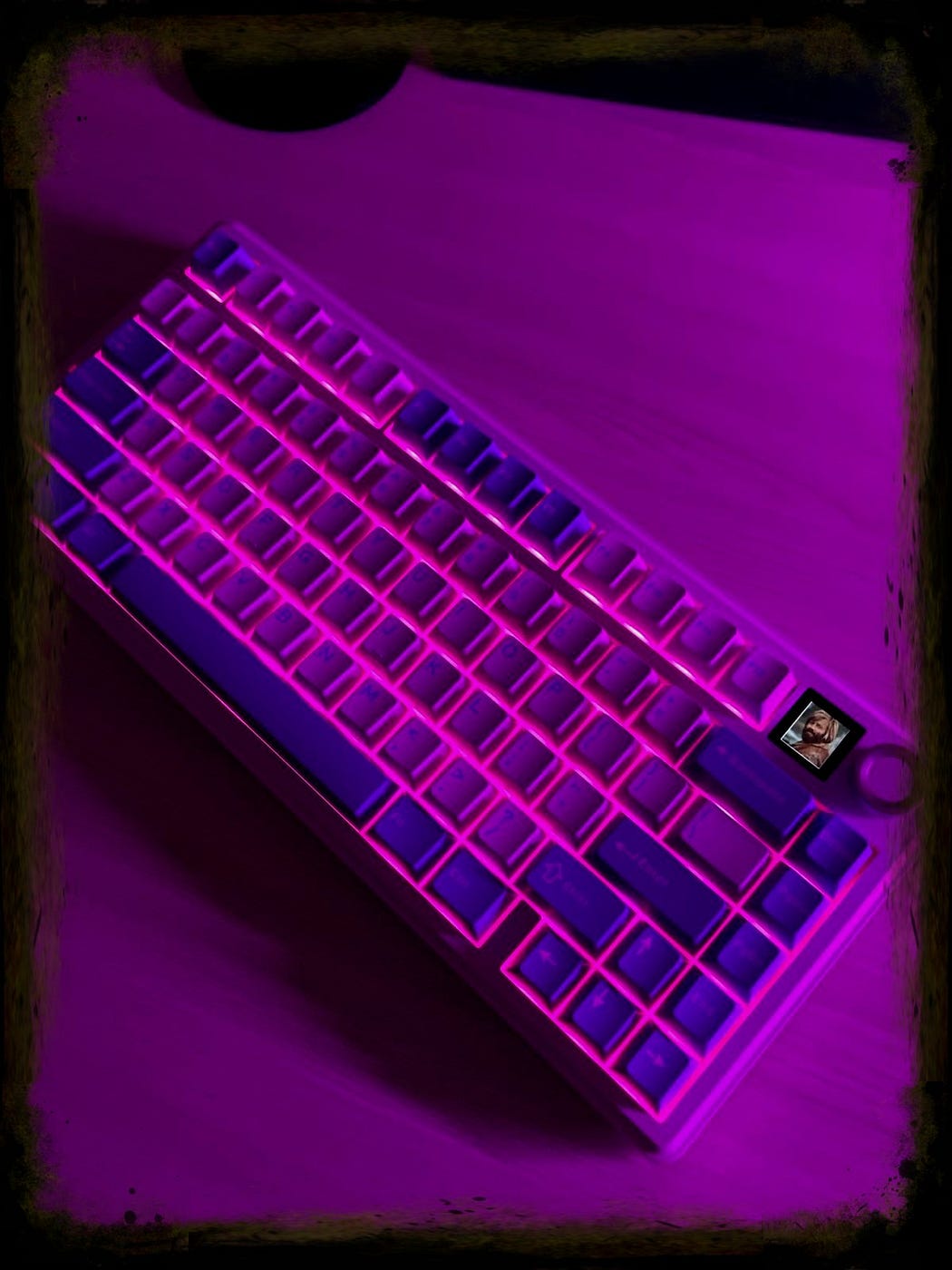
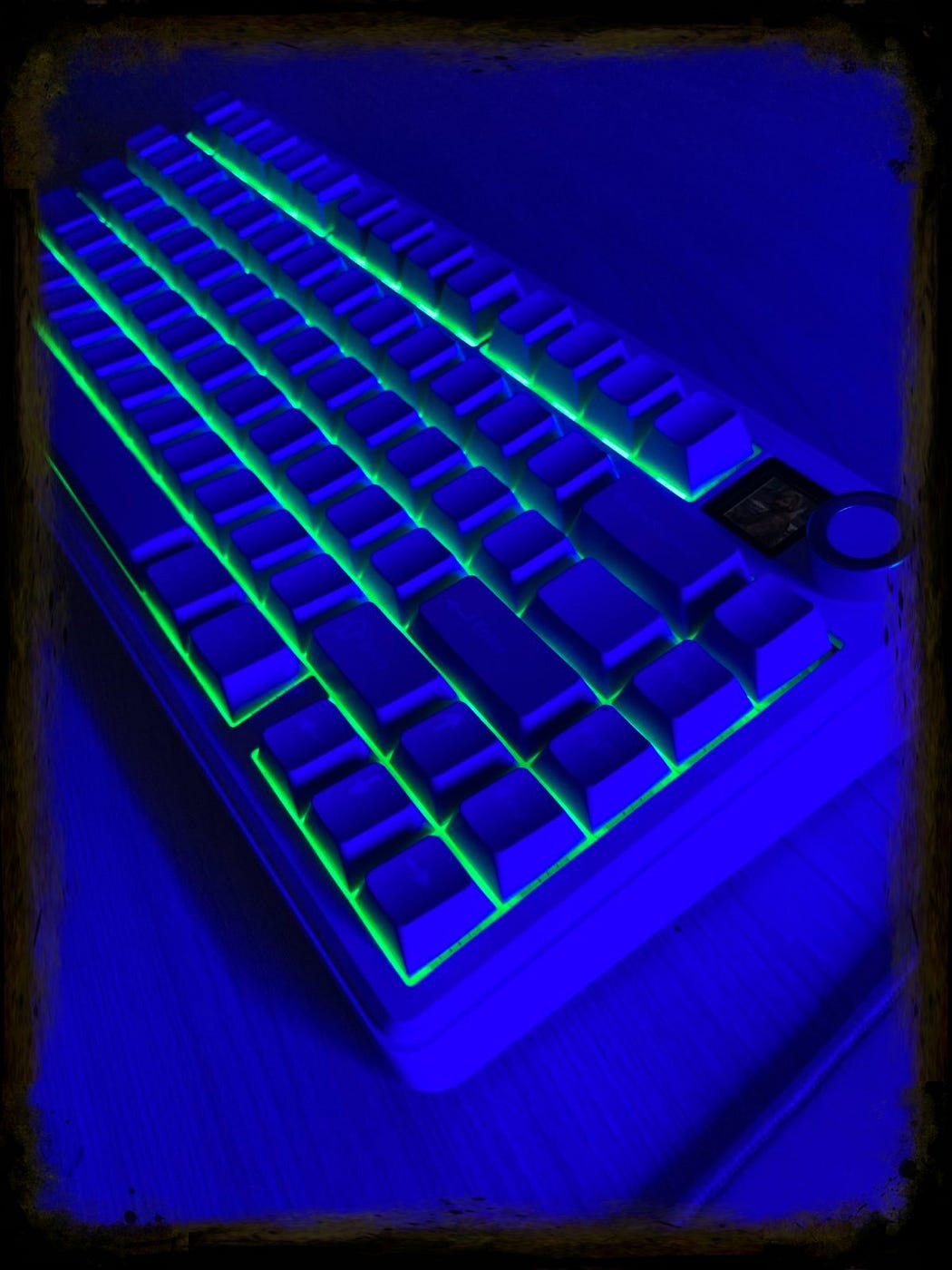
- nice and bright south-facingRGB
- TFT screen is useful and fun as usual
- very consistent and pleasant typing experience
- TFT screen works in two modes that you toggle by pressing the FN+Knob button
- decent latency makes it also a pretty good option for gaming (4ms in wired, 8 ms in wireless per single key press)
- Mac/Win and tri-mode connectivity switches make your life easier
- gasket-mound design adds to the great feeling of this board
- decent battery life with a 4000 mAh unit
- adjustable feet don’t fold when pushed across the desk
- a few minor complaints only, nothing major and/or deal-breaking

Get this budget king keyboard directly from Aula
Disclaimer: This review is not a paid endorsement. I want to ensure transparency and let you know that I am not receiving any monetary or otherwise compensation for evaluating or discussing this tech product.